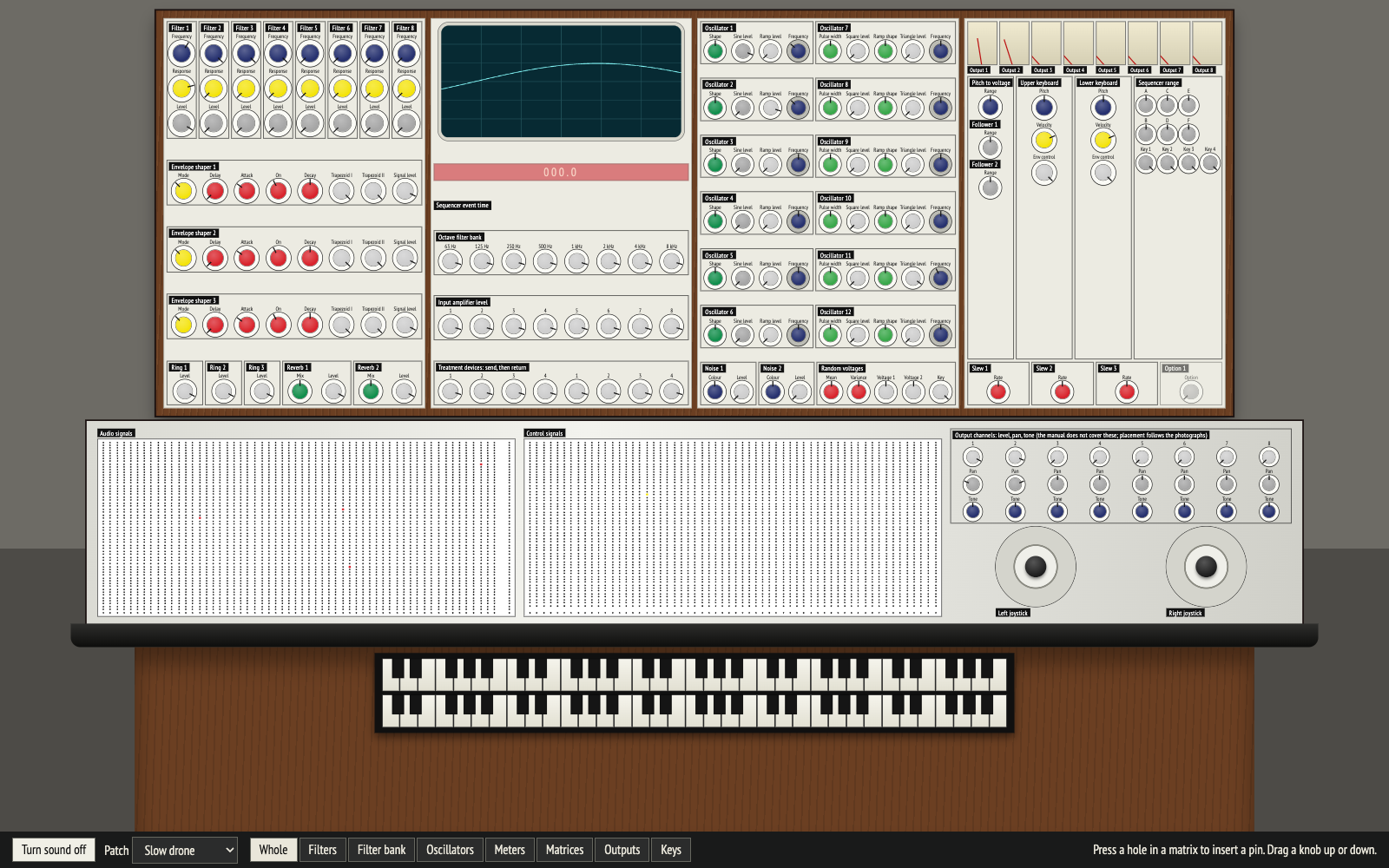
The console
All of it, where it is on the machine, with the manual's knob colours. Move closer to a part from the bottom bar. Best for recognising the instrument.
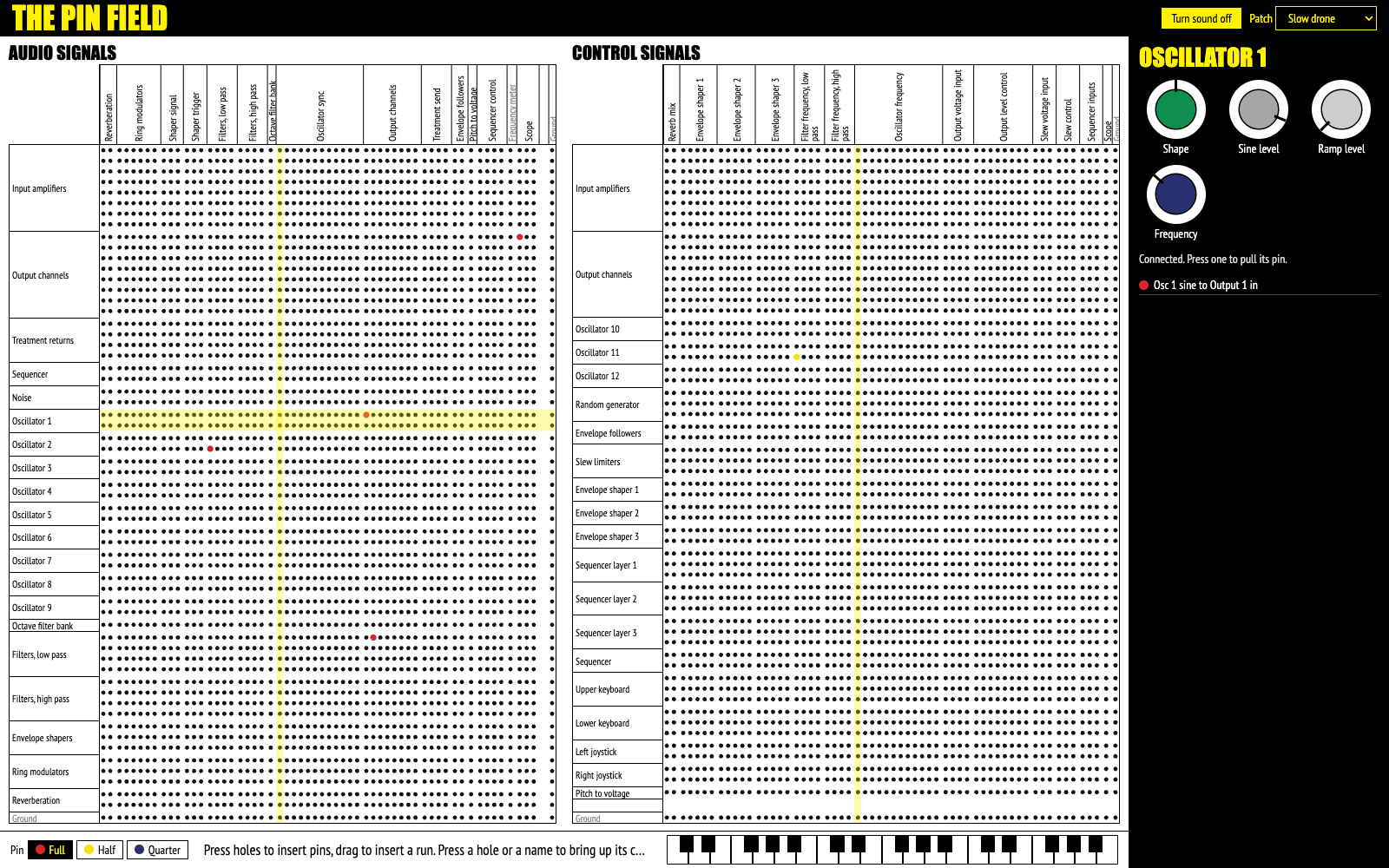
The pin field
The two matrices fill the screen and the knobs come to you. Styled after an operator's manual for the machine. Best for building and reading large patches.
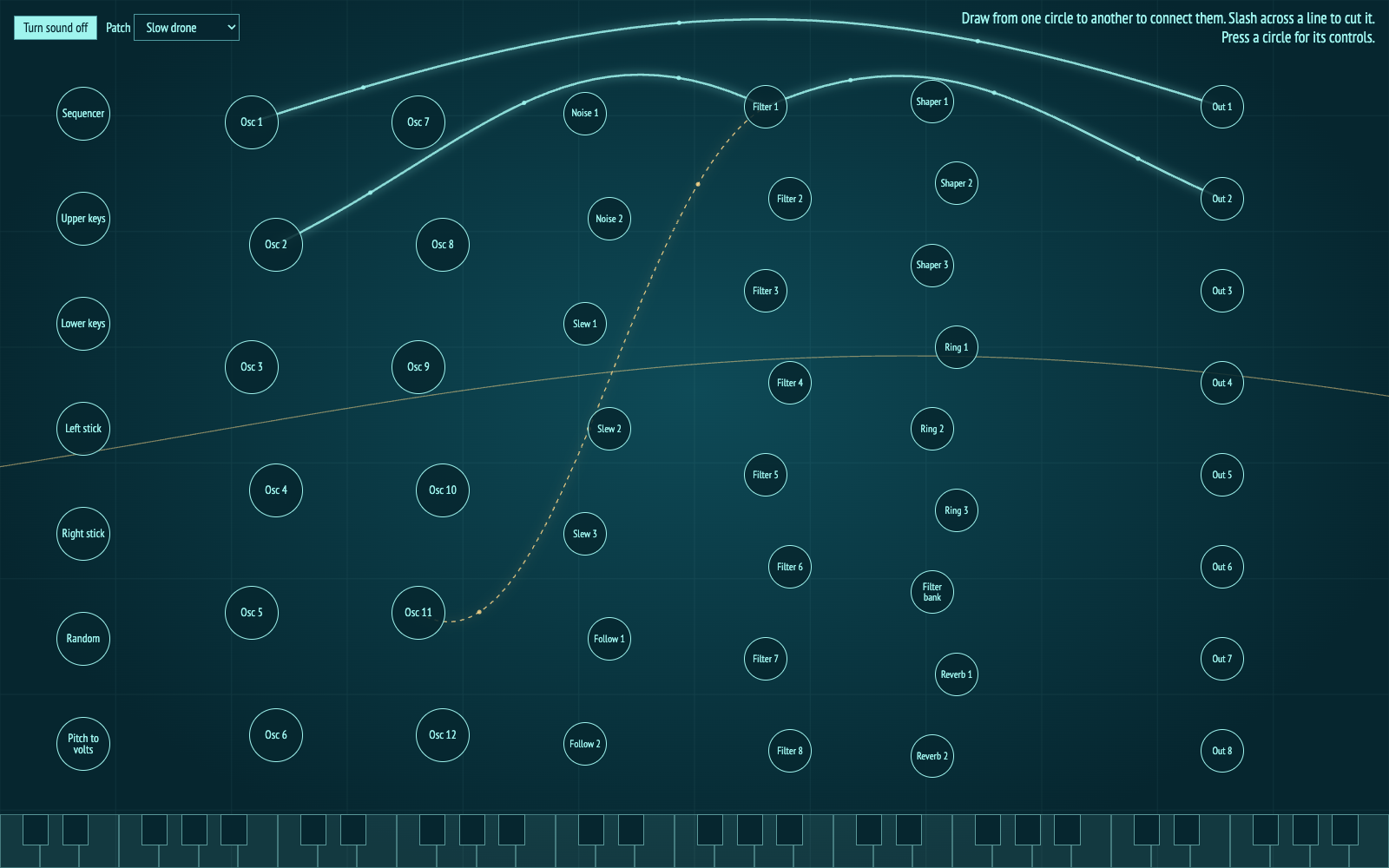
Draw the patch
Draw between circles to connect, slash a line to cut it. Built for a touch screen. Best for learning what connects to what, and for performing.
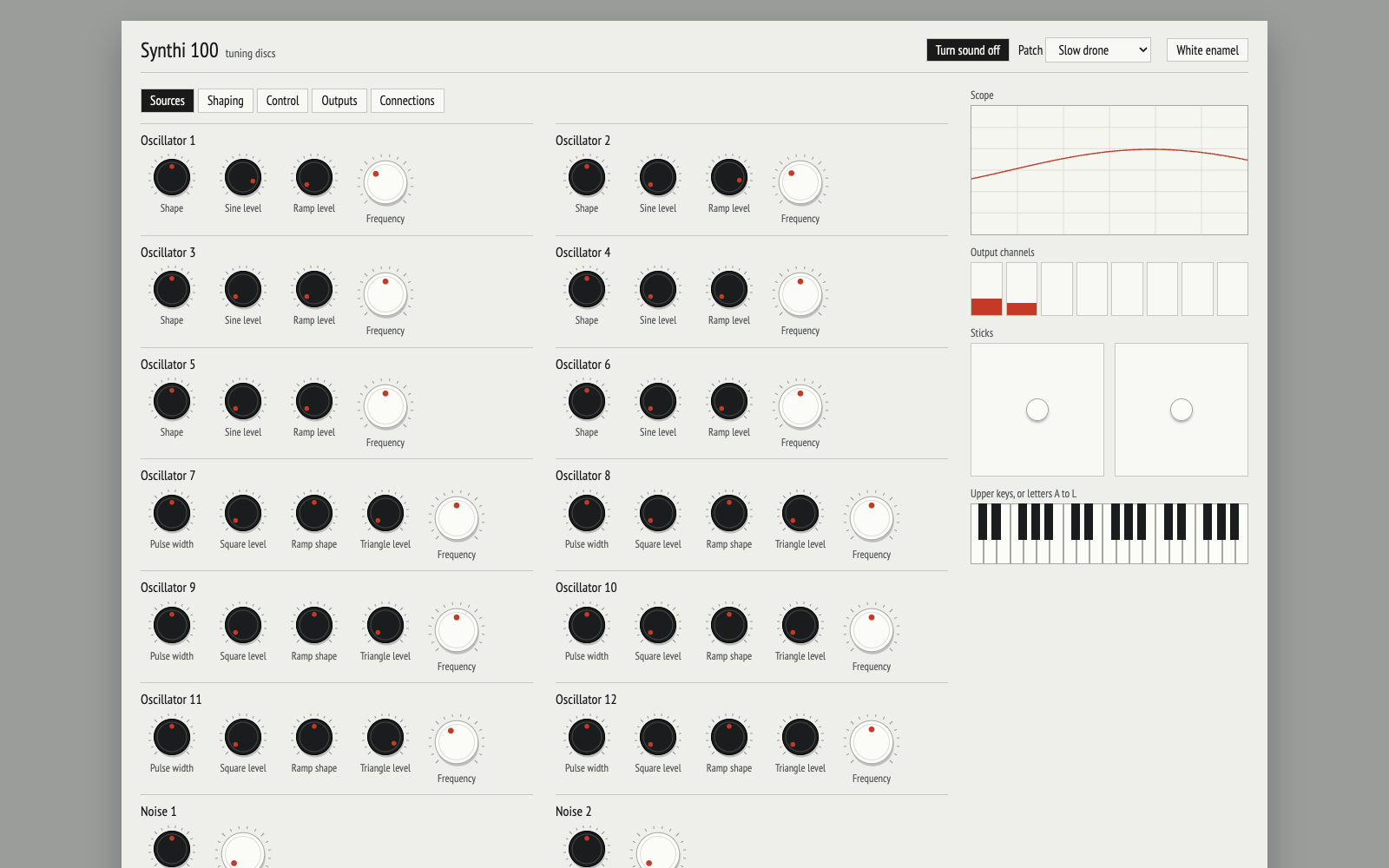
Tuning discs
The mw-shaper v2 discs and colour stops, with the instrument sorted into plain sections and connections written as a list. Best for keeping it calm.